Start from the ideas
Most people rewrite AI text by working through it sentence by sentence, changing a word here and there. It feels productive, but the result still has the original skeleton: the same order of ideas, the same paragraph shapes, the same rhythm. If you want the text to sound like you, the rewrite has to start from the ideas rather than the sentences.
Step 1: read the draft once for meaning. Do not edit yet. Ask what the piece is actually saying, and whether you agree with it. Mark anything you do not understand, because you cannot put an idea in your own words until you can explain it. If a point is unclear, look it up before you go further.
Write without looking
Step 2: reduce it to bullet points. Write down the main claims in the shortest form you can, in your own shorthand. Five to eight bullets is plenty for a page. Leave out the transitions and the padding. What remains is the real content of the draft, and it is usually much smaller than the draft made it look.
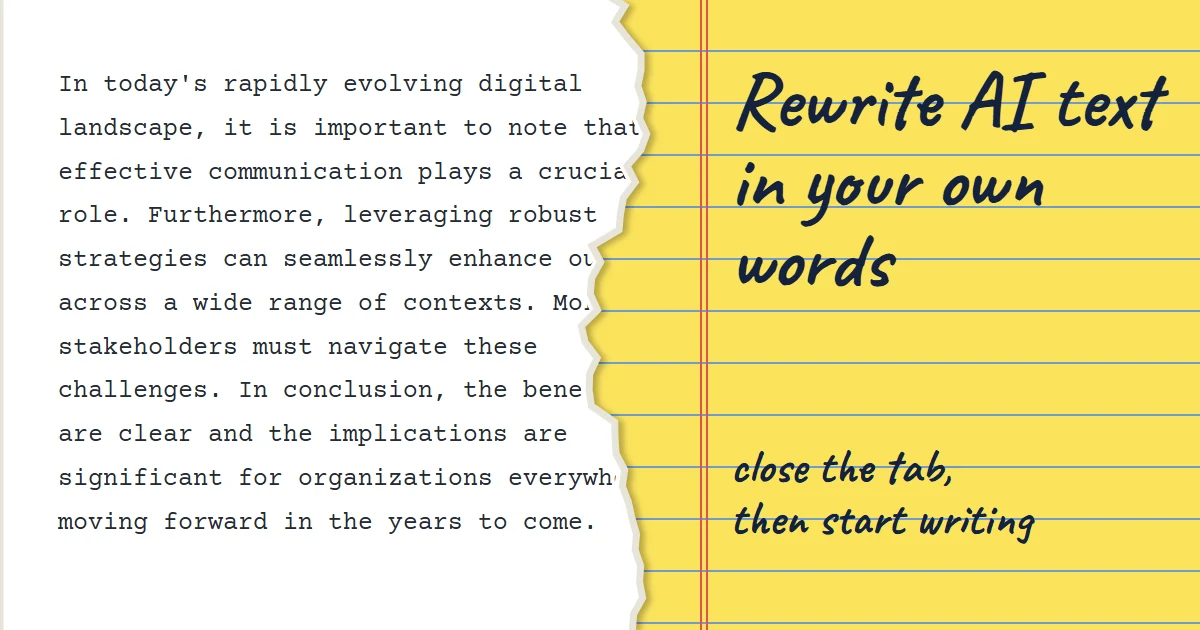
Step 3: close the draft. This is the step that makes the method work. With the original on screen, your brain copies its phrasing even when you are trying not to. Hide it, and write from your bullets alone, as if you were explaining the idea to a friend who asked. Do not worry about polish in this pass.
Step 4: reorder for your reader. AI drafts tend to go from general background to specific detail. Humans explaining something often start with the thing the reader cares about most. Ask what your reader would want to know first and move it to the top, even if the draft buried it in paragraph four.
Check your version
Step 5: add what the draft could not know. Bring in an example from your own experience, a number you have checked, a reason you personally care. This material was never in the draft, so it cannot be a copy of it, and it is usually the most interesting part of the finished piece.
When a shortcut is enough
Step 6: compare and check. Reopen the original only now. Confirm you have not dropped an important point or changed a fact. If one of your sentences matches the draft closely, rewrite it from the idea again. Then read your version aloud and fix anything you would not say.
When is a shortcut fine? For a low-stakes note or a routine update, the full method is more than you need. A quick pass with the free AI humanizer will fix phrasing and rhythm, and you can review each change in the Changes view. Save the close-the-tab method for writing that represents you: articles, applications, anything with your name on it.
One caution: rewriting changes the words, not who the ideas came from. If the underlying facts or arguments come from a source, cite that source. And if a school or employer has rules about AI assistance, those rules still apply however thoroughly you rewrite.
Try the Free AI Humanizer
See the difference genuine humanizing makes — paste any AI text and get natural, human-sounding writing back.
Humanize My TextKeep reading
5 min read
Why AI Text Sounds Repetitive, and How to Fix It
Repetition in AI drafts goes beyond repeated words. It is repeated structure, repeated ideas and repeated rhythm. Here is how to spot each one and cut it.
5 min read
How to Make AI LinkedIn Posts Sound Personal, Not Generic
LinkedIn feeds are full of AI posts that open with a hook and close with a question. Here is how to use a draft without losing your own voice.