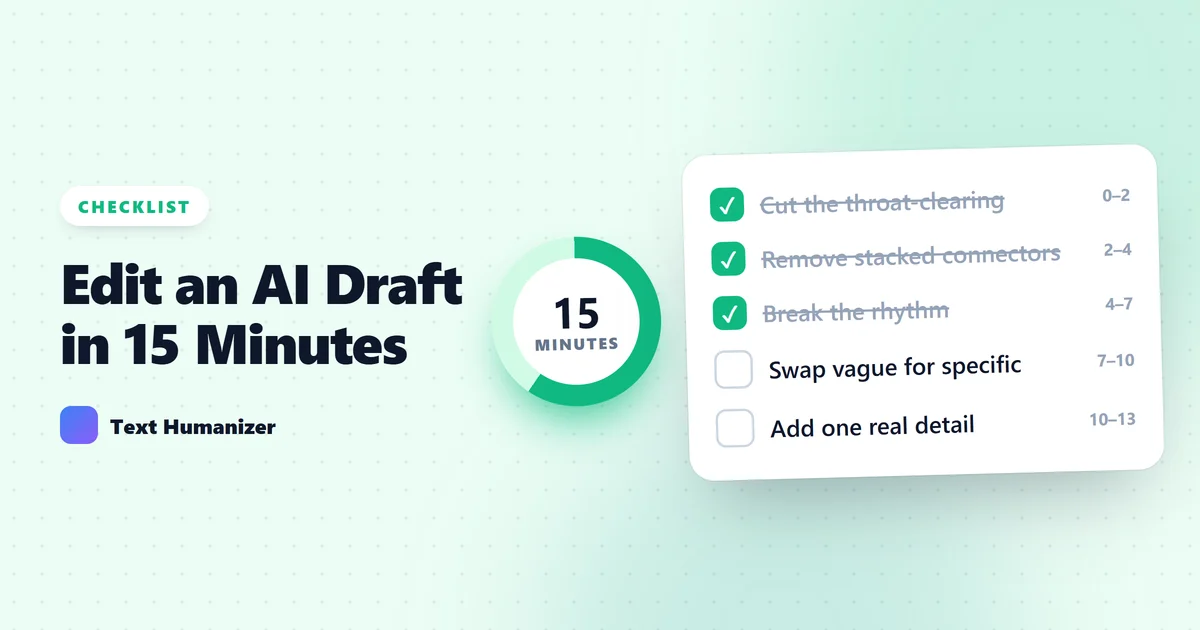
An AI draft is a starting point, not a finished piece. The good news is that most of what makes it read as machine-written is concentrated in a handful of habits, and you can fix them in a fixed order. Work through the steps below from top to bottom. The early ones are fast and remove the most obvious problems; the later ones take longer and are where the piece becomes yours.
The fast fixes: phrases and connectors
Minutes 0 to 2: cut the throat-clearing. Search the draft for openers such as "It is important to note that", "In today's world", "When it comes to" and "It is worth mentioning". Delete each one and start the sentence at the actual point. Nothing of value is lost, and the draft immediately reads more directly.
Minutes 2 to 4: remove stacked connectors. AI drafts lean on "Furthermore", "Moreover" and "Additionally" to glue sentences together. Keep one if the logic really needs it. Otherwise delete it, or merge the two sentences. People connect ideas with the content itself far more often than with a signpost word.
The fixes that make it yours
Minutes 4 to 7: break the rhythm. Read one paragraph aloud. If every sentence lands at roughly the same length, that evenness is what your reader is hearing. Split one long sentence into two short ones. Combine two short ones into a longer one with a clause. Aim for a mix: a few words, then twenty, then ten.
Minutes 7 to 10: replace generic claims with specifics. "Many companies have seen significant benefits" could be about anything. Which company, what benefit, how much? If you know the specific, write it. If you do not, cut the sentence, because a vague claim adds length without adding information.
Minutes 10 to 13: add one thing only you could write. This is the step no tool can do for you. Add an example from your own work, an opinion you actually hold, or a detail you observed. One real paragraph changes how the whole piece is read, because it gives the reader a person to listen to.
Minutes 13 to 15: fix the ending. AI conclusions tend to restate the introduction, starting with "In conclusion". Delete the restatement. End on the most useful sentence you have: the recommendation, the next step, or the consequence.
Where a tool helps, and where it does not
Where does a humanizer fit? It automates the middle of this list. A rewrite pass handles the filler phrases, the connectors and the sentence rhythm in a few seconds, which leaves your fifteen minutes for the two steps that matter most: the specifics and the part only you can add. Use the diff view to check what changed, and regenerate any single sentence that drifted from what you meant.
One last check before you publish or submit: accuracy and rules. Rewriting changes wording, not facts, so confirm every number and name against your source. And if the piece is for a class, an employer or a publication, check their policy on AI-assisted writing first. Good editing makes a draft better; it does not replace telling people how the draft was made when they have asked to know.
Try the Free AI Humanizer
See the difference genuine humanizing makes — paste any AI text and get natural, human-sounding writing back.
Humanize My TextKeep reading
5 min read
AI Humanizer vs. Paraphrasing Tool: What Is the Difference?
They sound similar and overlap in practice, but they are built for different jobs. Here is how to tell which one your draft actually needs.
6 min read
12 Words and Phrases That Make Writing Sound AI-Generated (and What to Write Instead)
A working list of the phrases readers have learned to associate with AI text, why each one grates, and a plainer alternative for every entry.